Free online anaglyph maker: red/cyan 3D from any photo
Dust off those red-and-cyan glasses. StereoGen turns one ordinary photograph — a phone snap, a scanned print, a digital painting — into a true anaglyph 3D image you can view on any screen or even on paper. No stereo camera, and no channel juggling in an image editor.
Try it free — no signup Watermarked 768px preview, every interactive view included. HD unlock is €2.99.
How a flat photo becomes an anaglyph
1Depth estimation
A depth-estimation neural network reads your photo and predicts how far every pixel sits from the camera, producing a dense depth map of the whole scene.
2Stereo view synthesis
Guided by that depth map, StereoGen shifts pixels to render a second viewpoint a few centimeters to the side — the picture your other eye would have taken if the shot had been stereoscopic.
3Red/cyan encoding
The left view is written into the red channel and the right view into the green and blue channels. Your glasses filter one view to each eye, and your brain fuses the pair into real depth.
Why anaglyph still rules
An anaglyph carries its 3D in the colors, not in the hardware. It works on any monitor, phone, projector or printed page, and the glasses cost pocket change. That makes it the favorite format for classroom demos, retro-style comics and posters, and for sharing 3D with people who own no special gear at all.
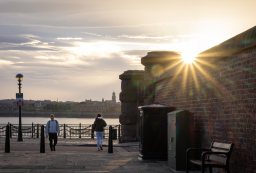
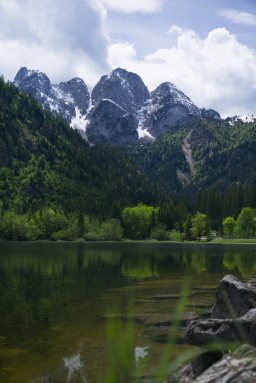
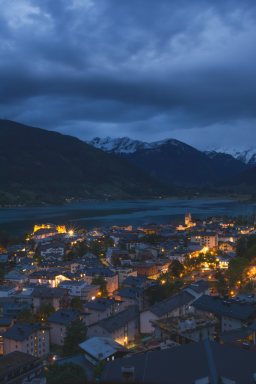
Free preview, honest pricing
Every upload gets a free, watermarked 768px anaglyph preview — plus all of StereoGen's interactive views, including the Live 3D mode that runs entirely in your browser with WebGL, so you can explore the depth in real time without installing anything. If you love the result, a €2.99 unlock exports it at full resolution with no watermark and includes a commercial license. The watermark on free previews is what keeps the tool free for everyone to try. The same upload also gives you wiggle GIFs, stereo pairs, parallax animations and the raw depth map, so one photo goes a long way.
Tips for a clean anaglyph
- Pick photos with clear near-to-far structure: a person in front of a street, a flower before a valley.
- Go easy on heavily saturated reds and cyans in clothing or signage — they are the hardest colors for any anaglyph.
- View at a comfortable distance and give your eyes a few seconds to fuse the image.
Frequently asked questions
Do I need special glasses to see the anaglyph 3D effect?
Yes — classic red/cyan glasses with the red filter over the left eye. Cheap cardboard pairs work fine; the encoding is the same standard used by 3D comics and films for decades.
Can I print an anaglyph?
Yes. Because the stereo information lives in the colors themselves, an anaglyph survives printing on a normal color printer. For posters or photo books, unlock the full-resolution version so the print stays sharp.
Why do some areas look doubled or ghosted?
Strongly saturated reds and cyans can leak through the wrong filter — a limitation of every anaglyph, not just ours. Photos with neutral or varied colors fuse most cleanly, and better glasses help too.
Is the anaglyph maker really free?
Yes. You can convert a photo and download a watermarked 768px anaglyph for free, and every interactive view is included at no cost. Paying €2.99 unlocks full resolution, removes the watermark and adds a commercial license.
What photos work best for anaglyph conversion?
Images with an obvious depth order: a subject in the foreground, detail in the midground and a visible background. Flat artwork or straight-on walls give the neural network little depth to find.
Grab the glasses, keep the photo
Upload one picture, watch it gain real depth, and download a red/cyan anaglyph you can share on any screen or print on paper.
Make my anaglyph free